-
Create Digital Signage, Video-On-Demand and Digital Menu Board Screens
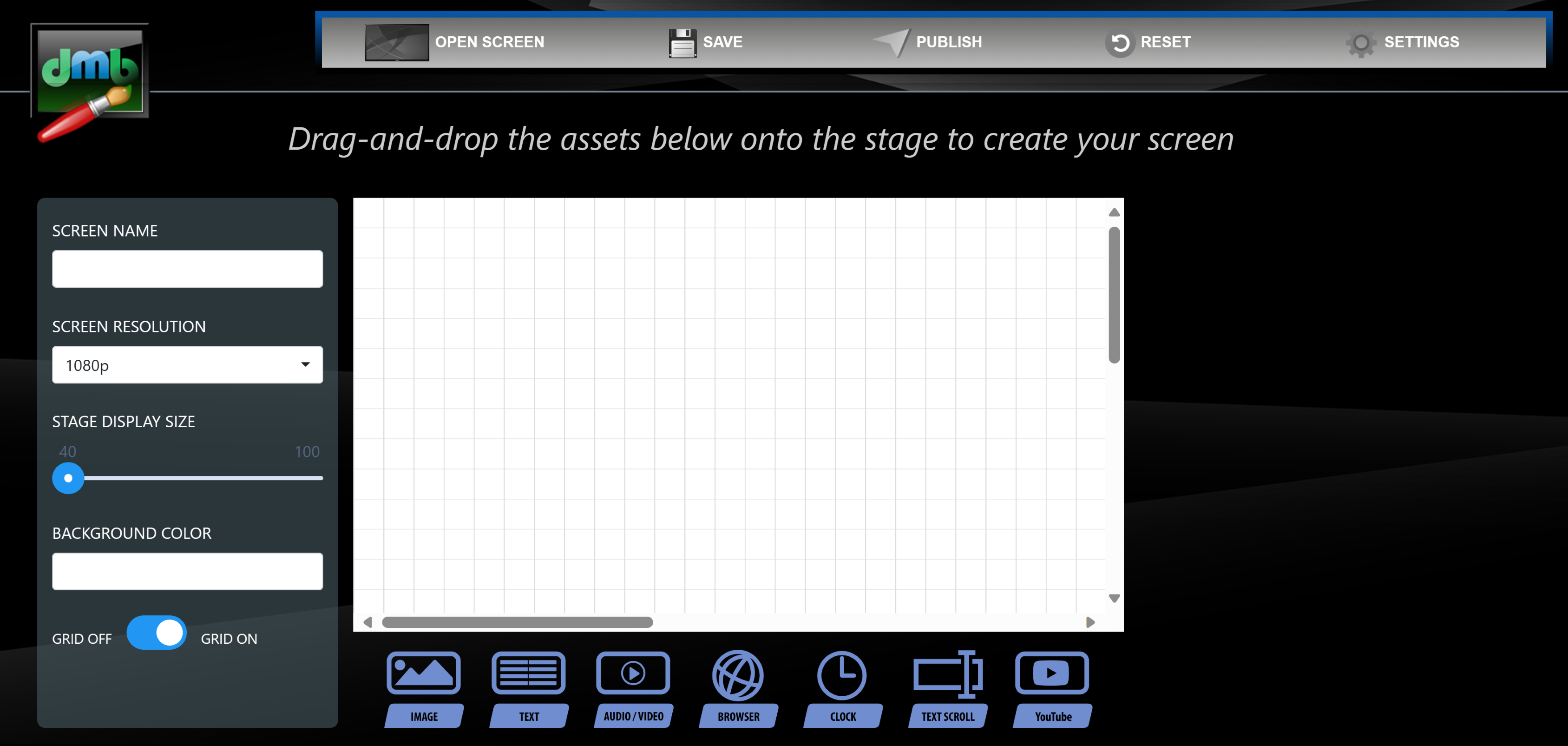
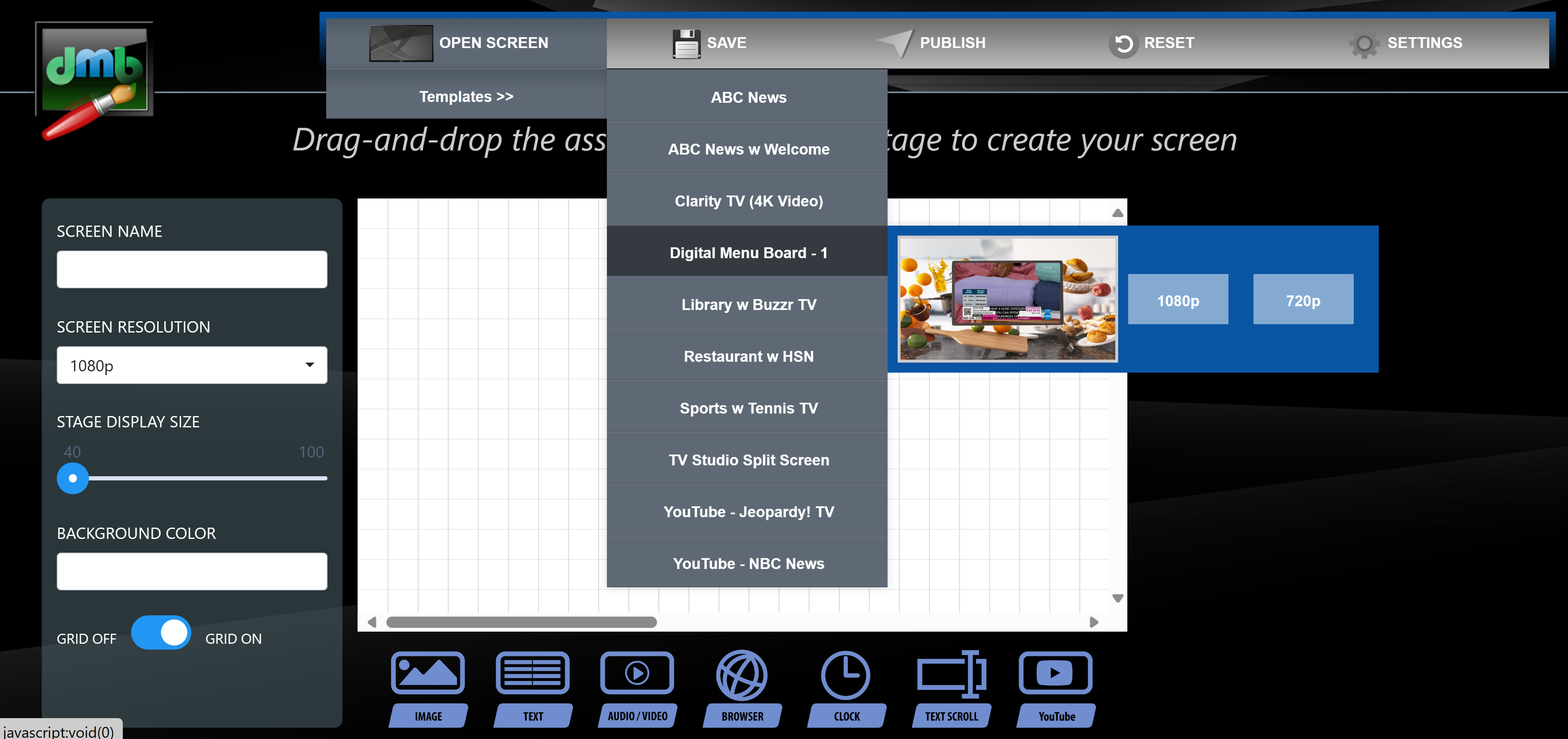
The DMB Screen Builder is a web application which lets a user graphically create and publish sets of digital signage, video-on-demand, and digital menu board screens. The DMB Screen Builder offers a publishing component where digital assets and screen control information are automatically delivered to a content distribution server for delivery and automatic playback by one or more digital signage players. In addition to our web-based screen builder application, we also offer the DMB Screen Builder as a standalone Windows application. Click here for a Screen Builder Intro Video.
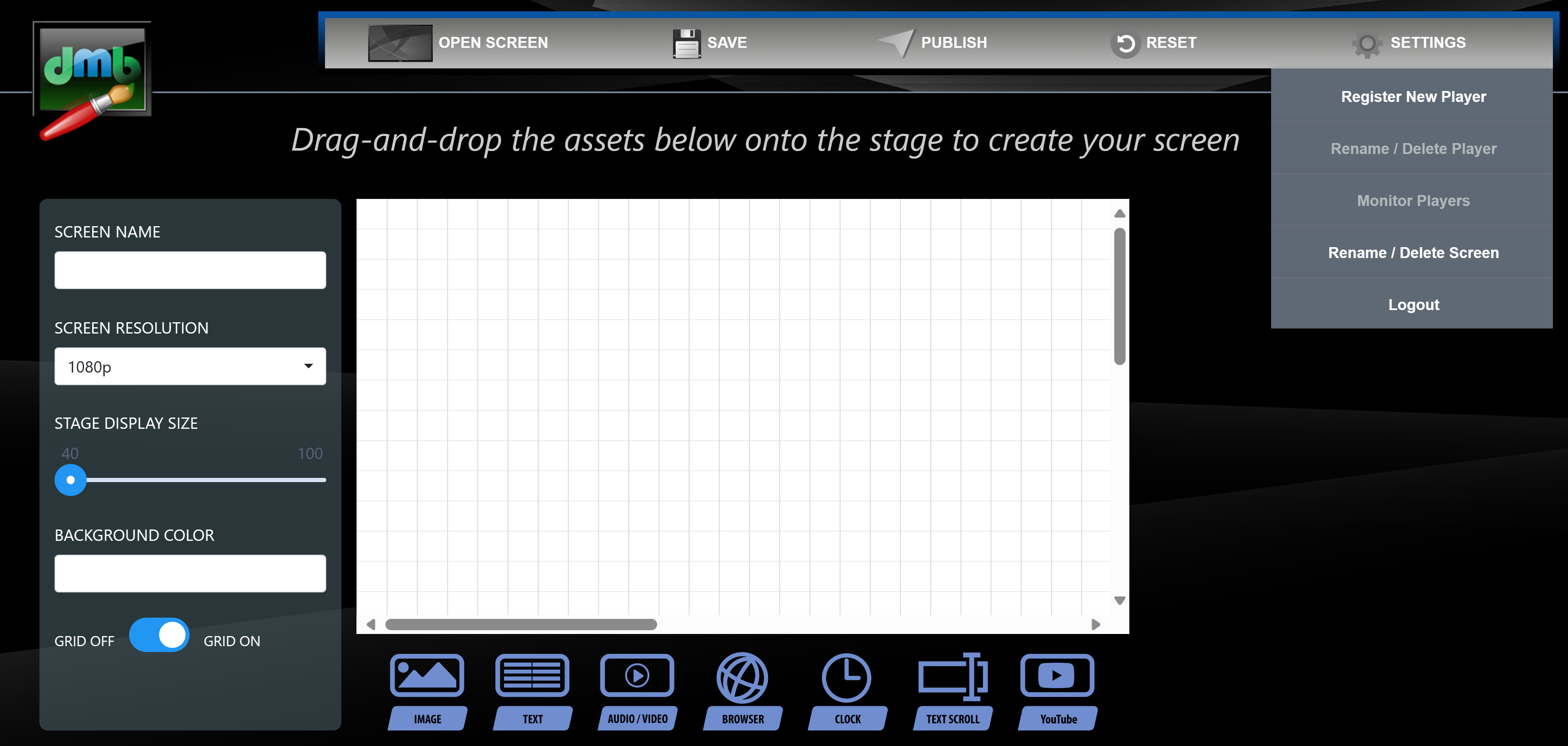
If used together with Cilutions hosted network, the Screen Builder web portal - www.DigitalMediaBridge.tv - allows users the ability to upload and store their own digital content to be delivered to their suite of Internet-deployed digital signage players.